











Scheduling

Run your business in one place Scheduling, calendar, email, and chat together AI automates scheduling in as little as 30 seconds Smooth calendar and email integration Complete web meeting setup for free An all-in-one business platform

Paid plans are free through the month after registrationSecure encryption | ISMS and PrivacyMark certified

Most supported by recruiting professionals

Winner of 3 awards in the scheduling and chat tool category

Schecon brand image survey by Japan Consumer Research

Leave tedious scheduling to AI. Calendar, email, and chat all in one place. Run your business in Schecon.

Schecon is an all-in-one platform that combines scheduling, calendar integration, email integration, and business chat. It fully integrates with Google Calendar and Outlook Calendar, and lets you send and receive Gmail and Outlook email directly in Schecon.Calendar events are never shared with or published to third parties without permission, even after login.

NewsNews

View pricing plans in detail

Why is Scheconall-in-one?

Schecon is an all-in-one tool that brings scheduling, calendar integration, email, and chat together in one place. Used by more than 1,200 companies, it reduces the cost of managing and switching between multiple tools while maximizing work efficiency.

  • AI scheduling

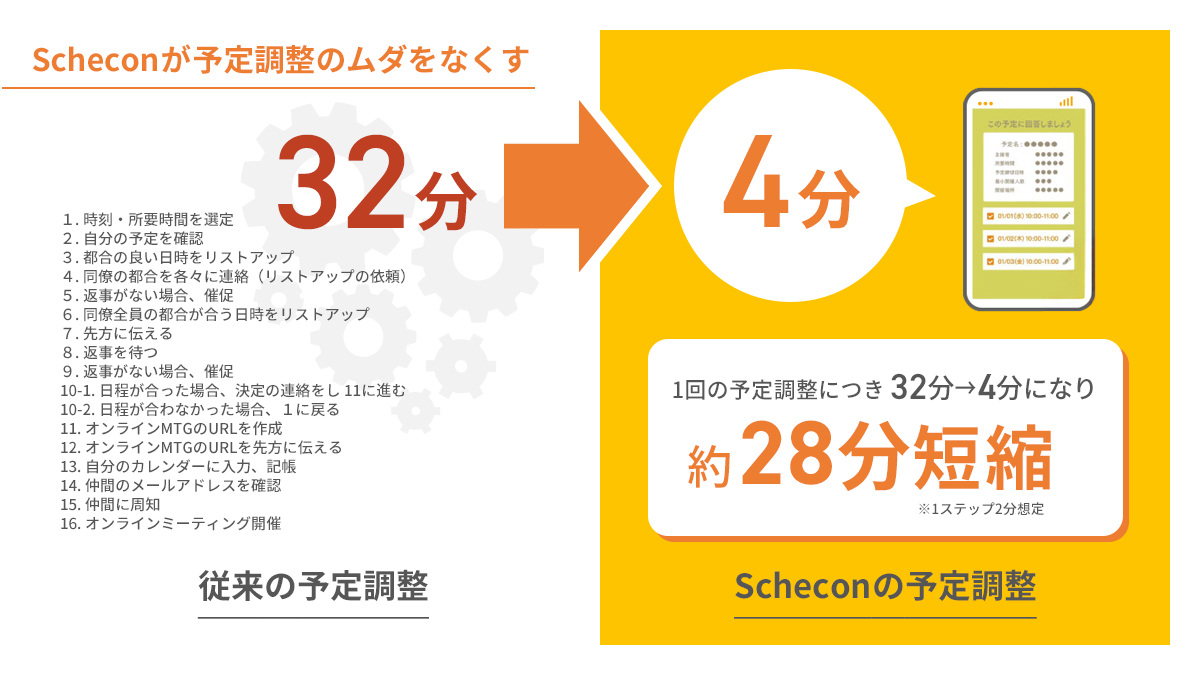
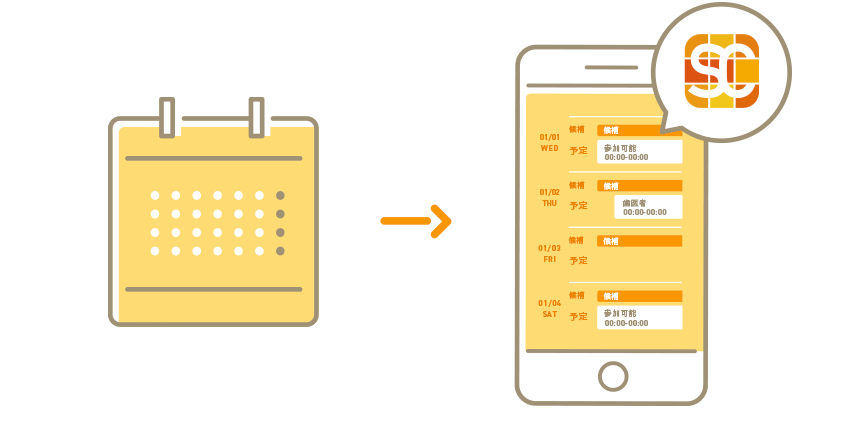
    AI automatically suggests the best meeting times from every participant's calendar. Complete scheduling in as little as 30 seconds, from one-on-one meetings to groups of up to 100 people.

  • Calendar integration

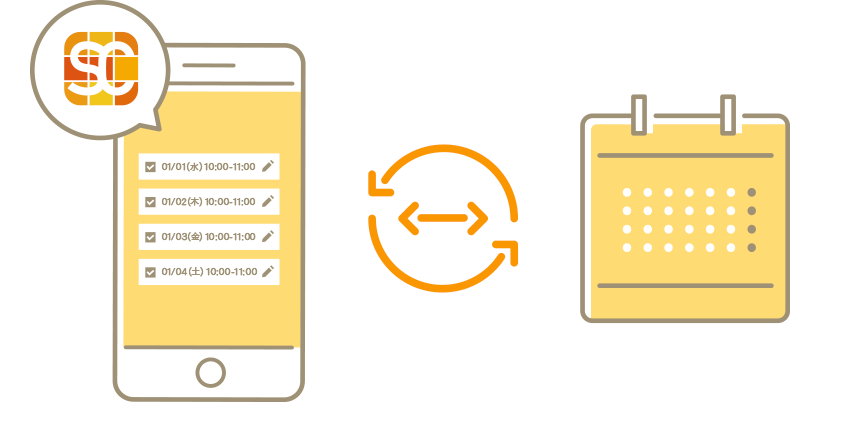
    Fully integrates with Google Calendar and Outlook Calendar, from automatic event reading and availability calculation to automatic registration after a time is confirmed.

  • Mailer features

    Fully integrates with Gmail and Outlook mail. Receive, send, and reply to emails directly in Schecon without switching tools.

  • Business chat

    Supports direct and group chats, image and file sharing, and AI writing. Continue conversations naturally after scheduling is complete.

What can you do with Schecon?

Schecon includes AI scheduling, calendar integration, mailer features, and business chat, so business communication can be completed in one tool. It can reduce work time by an average of 5 hours per person each month.

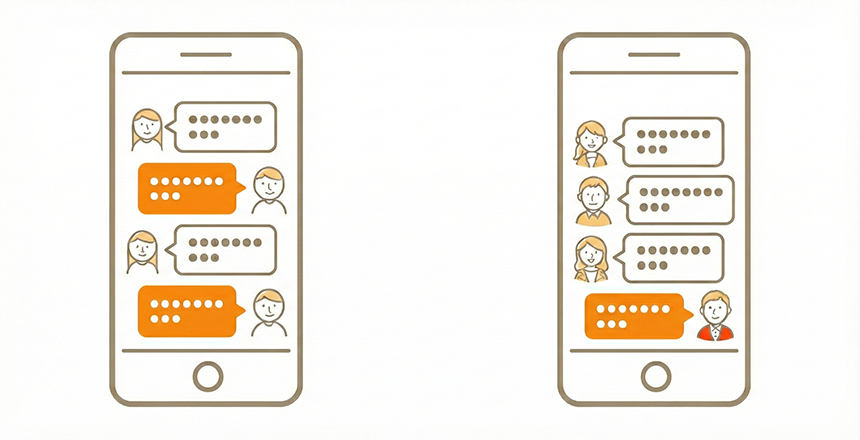
  • Schedule easily through chat

    Schedule easily through chatCoordinate smoothly through chat, whether one-on-one or in groups.

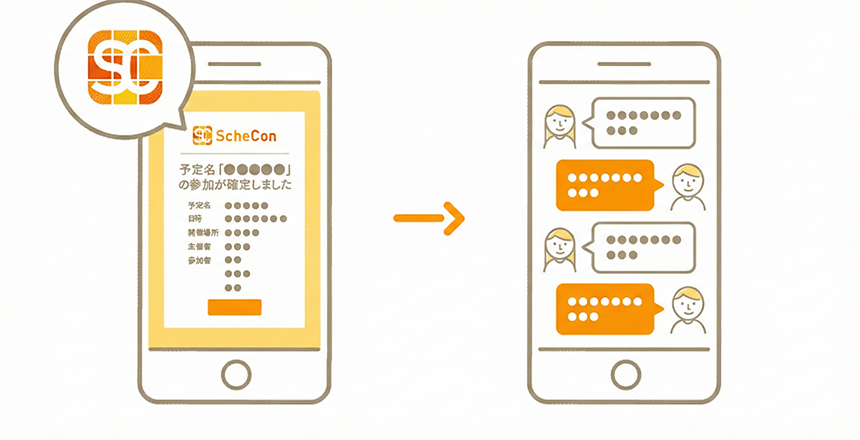
  • Communication after scheduling stays smooth
for individuals and groups

    Communication after scheduling stays smooth for individuals and groupsContinue the conversation in chat after the schedule is confirmed.

  • Clear UI/UX improved from surveys
of more than 100 users

    Clear UI/UX improved from surveys of more than 100 users

  • Use it freely
with or without logging in.

    Use it freely with or without logging in.(Google Calendar and Outlook Calendar integration is available)

  • Encryption provides strong security.
Logging in makes Schecon even more convenient in a secure environment.

    Encryption provides strong security. Logging in makes Schecon even more convenient in a secure environment.

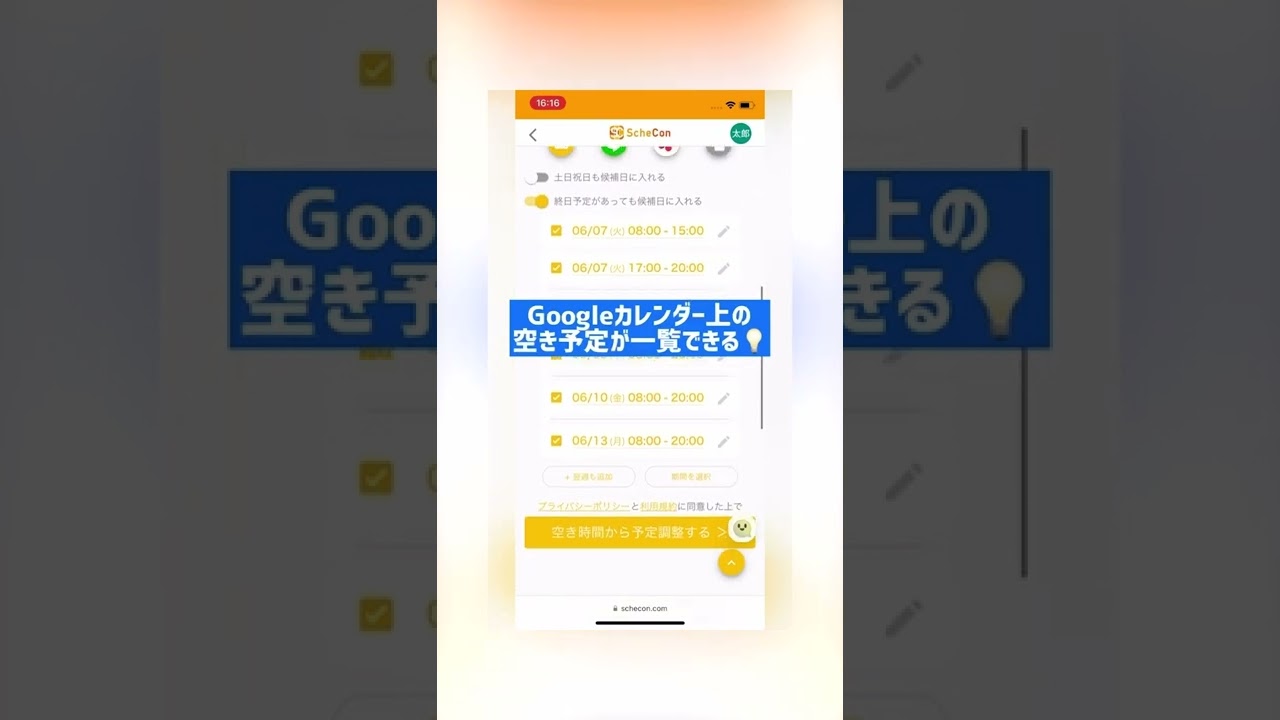
  • See your available scheduling times
instantly

    See your available scheduling times instantly

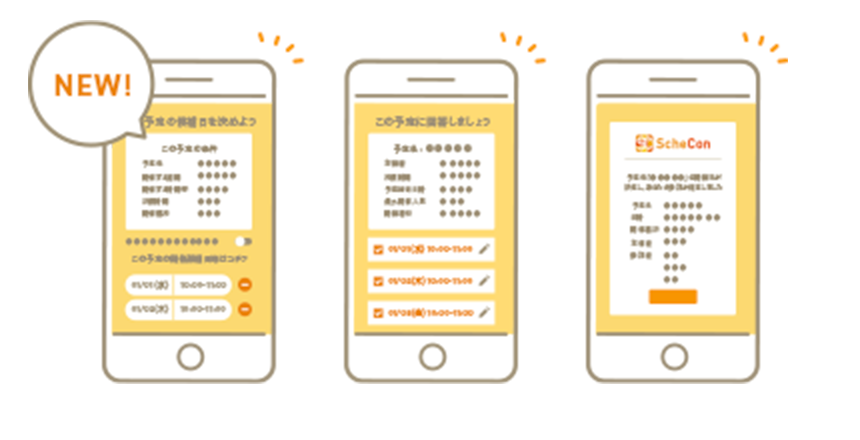
  • Share and coordinate
group scheduling easily

    Share and coordinate group scheduling easily

  • Automatically update your answers.
Avoid conflicts no matter how busy you are.

    Automatically update your answers. Avoid conflicts no matter how busy you are.

  • Confirmed events are automatically added
to Google Calendar
and Outlook Calendar

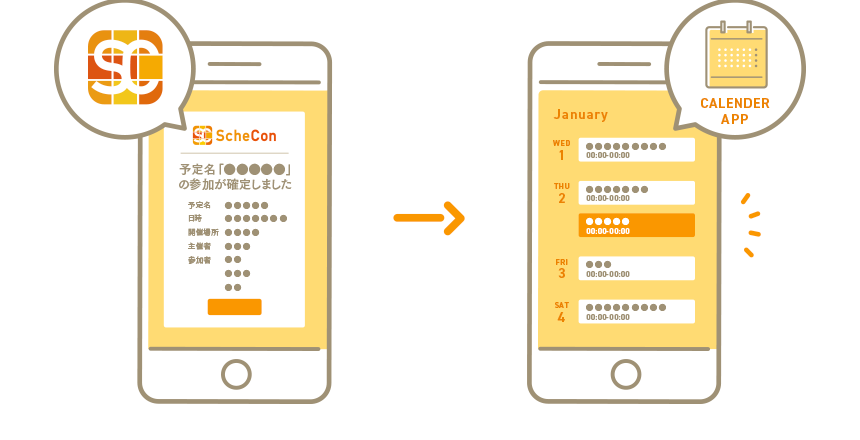
    Confirmed events are automatically added to Google Calendar and Outlook Calendar

  • Exchange online business cards instantly
without a URL.

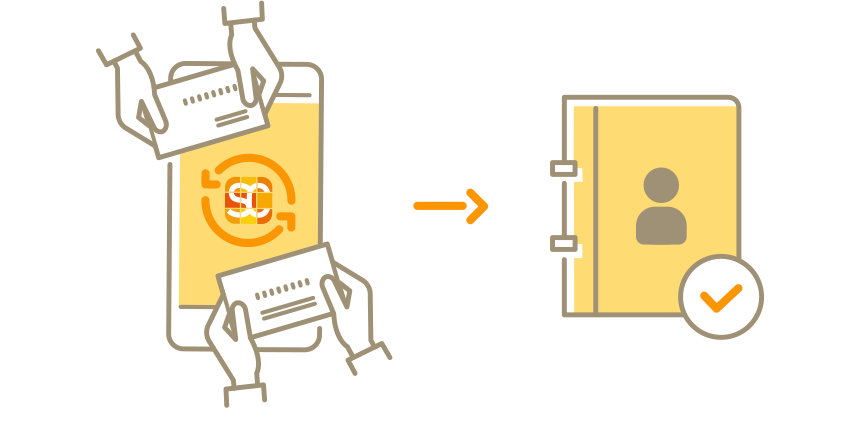
    Exchange online business cards instantly without a URL.Exchanged business cards are automatically added to your address book.

Which services does Schecon integrate with?

Schecon integrates with Google Calendar, Outlook Calendar, Gmail, Outlook, Zoom, Google Meet, Teams, Slack, Chatwork, and Salesforce. Setup takes one click and can be completed in as little as 30 seconds.

  • Full calendar integration

    Schecon automatically reads events from Google Calendar and Outlook Calendar and calculates availability in real time. Confirmed events are automatically added to your calendar, preventing double booking. Multiple calendars can also be managed in one place.

    • Google Calendar
    • Outlook Calendar
    • Automatic registration
    • Availability calculation
  • Built-in mailer features

    Schecon includes mailer features fully integrated with Gmail and Outlook mail. Receive, send, and reply to emails in Schecon. Scheduling request emails can also be sent with one click, so there is no need to open a separate email app.

    • Gmail
    • Outlook Mail
    • Send and receive
    • Automatic notifications
  • External service integrations

    Schecon integrates with Zoom, Google Meet, and Microsoft Teams to automatically issue web meeting URLs when schedules are confirmed. It also supports notifications to Slack and Chatwork, plus integrations with Salesforce and Blastmail.

    • Zoom
    • Google Meet
    • Teams
    • Slack
    • Chatwork

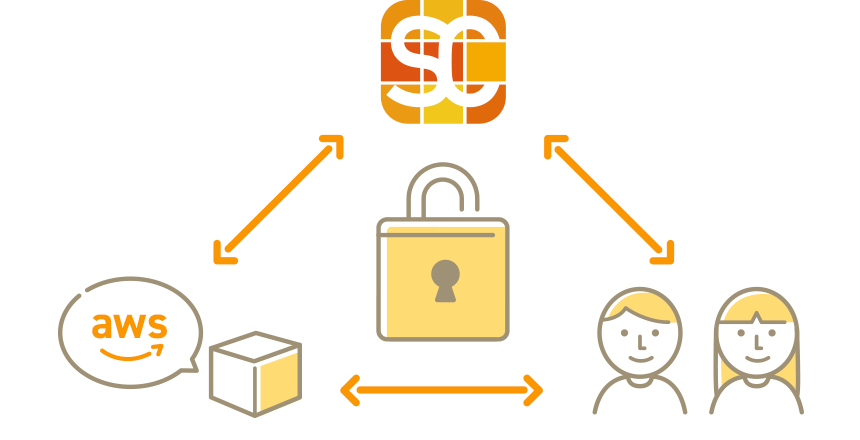
Strong security for business use, with encrypted chat communication

  • Encrypted communication to protect data in transitSchecon uses SSL/TLS encryption for all communication. Scheduling data and chat content are protected from interception and tampering through encrypted communication, so you can use the service securely.

  • Vulnerability checks to prevent unauthorized accessTo prevent unauthorized access and information leaks from cyberattacks, Schecon regularly checks the entire system for vulnerabilities, including scheduling and chat features.

  • Continuous system monitoringSchecon continuously monitors system status and external attacks, with a structure designed to quickly detect failures if they occur.

  • Encrypted stored dataThe entire database is encrypted using AWS features, minimizing the risk of reading or leakage even if chat history or scheduling data were improperly taken.

  • User authentication at login with Google and Microsoft 365 OAuthSchecon uses Google and Microsoft 365 OAuth authentication for login. Permissions for calendar information and write access are managed by Google and Microsoft 365.

  • Backup and recovery structureBackups are performed daily, and two identical system environments including hardware are maintained through replication to enable rapid recovery of all data, including chat history, if a failure occurs.

  • Access control for creators and respondents onlyConfirmed scheduling links and chat rooms are access-controlled so other people cannot view them even if they access the URL. This helps prevent information leakage from unauthorized access.

  • Safe for handling personal information such as online business cards and chatPersonal information is encrypted and protected with strong security measures. Schecon operates under a PrivacyMark-certified structure and works to protect personal information.

Complete scheduling automatically just by sending a URL Then continue communication in chat. Easy to use, even without registration.

Schecon eliminates wasted scheduling work

Useful for scheduling in these situations and for continuing the conversation in chat

Schecon helps solve tedious coordination work across many scheduling situations. Chat makes communication after scheduling smooth as well. Try using Schecon for your scheduling.

  • Sales appointments

    Sales appointments

    Easily schedule multi-person client visits and presentations for large groups. Use chat to coordinate beforehand.

  • Internal meetings

    Internal meetings

    Coordinate one-on-one or group meetings easily. Share agendas and follow up after meetings in chat.

  • Online meetings

    Online meetings

    Share a URL to schedule the meeting, then share details and materials in chat directly in Schecon.

  • Recruiting interviews

    Recruiting interviews

    Find candidate interview times easily even with multiple interviewers and send them to applicants, reducing scheduling work. Interviewers can also coordinate in chat.

  • Welcome parties and meals

    Welcome parties and meals

    Choose the best date based on participants' schedules. Use chat to discuss restaurants and send reminders.

  • Lunches, dinners, and client entertainment

    Lunches, dinners, and client entertainment

    Easily schedule events with fixed time slots. Share restaurant information and directions smoothly in chat.

  • Part-time shift coordination

    Part-time shift coordination

    Quickly identify available times for shift coordination. Discuss shift changes immediately in chat.

  • Hobby gatherings

    Hobby gatherings

    Quickly find dates everyone can attend. Confirm what to bring and where to meet in chat.

01 / 08

Why is Schecon chosen over other scheduling tools?

Schecon is an all-in-one tool with scheduling, calendar integration, mailer features, and chat. Plans start at 660 yen per month, so you do not need to subscribe to multiple tools.

  • Reduce tool sprawl

    Scheduling in TimeRex, chat in Slack, email in Gmail... Schecon removes the inefficiency of switching between multiple tools. It reduces logins and prevents information from being scattered.

  • Drive digital transformation and improve efficiency

    Schecon is ideal for corporate digital transformation. Automating scheduling reduces back-and-forth emails and creates an average of 5 hours per person each month, directly improving team productivity.

  • Remote work support

    Integrate with Zoom, Google Meet, and Teams to automatically issue web meeting URLs when schedules are confirmed. Schecon makes scheduling smoother for remote work.

  • Improve sales and meeting efficiency

    Automate scheduling for sales teams. From one-on-one appointments to multi-person sales meetings, Schecon automates everything from presenting candidate dates to calendar registration. Salesforce integration centralizes customer management as well.

  • Improve recruiting efficiency

    Automatically read interviewers' schedules and present the best interview slots to candidates. Schecon greatly reduces coordination work for recruiters and supports smooth chat collaboration between interviewers.

  • Start for free

    The Free Plan is completely free and requires no credit card. Paid plans start at an industry-low 660 yen per month, and you can try a paid plan for free through the month after registration.

How much do Schecon pricing plans cost?

There are three plans: Free Plan (free, 8 successful schedules per month), Standard (660 yen per month), and Business (990 yen per month). Schecon offers scheduling, calendar integration, email, and chat features at an industry-low price.

  • Free Plan

    0 yen/month

    No credit card required.

    Scheduling limit

    When hosting

    8 times/month (successful schedules only)

    When responding: unlimited

    • Chat for individuals and groups
    • Image and file sharing
    • AI writing
    • Chat room folders
    • Mailer features with Gmail and Outlook integration
    • One-on-one scheduling
    • Customize start times
    • Group scheduling
    • Internal scheduling
    • Availability checks
    • Scheduling on behalf of others
    • Answer assistance and automatic answer updates
    • Customizable answer screens
    • External website embedding
    • Exclude specific events from candidate times
    • Exclude specific time slots from candidates
    • Calendar auto-entry and invitations
    • Calendar grouping
    • Email notifications
    • Scheduling history
    • Automatic online business card exchange
    • Address book features
    • Contact CSV export on desktop
    • Profile pages
    • Google Calendar integration
    • Outlook Calendar integration
    • Google Meet integration
    • Teams integration
    • Zoom integration
    • Slack integration
    • Chatwork integration
    • Salesforce integration
    • Blastmail integration
    • Default setting changes
    • My Page
    • Account management
    Register for free
  • Standard Plan

    660 yen/month billed annually, tax included

    Monthly billing: 792 yen, tax included

    Scheduling limit

    When hosting

    20 times/month (successful schedules only)

    When responding: unlimited

    • Chat for individuals and groups
    • Image and file sharing
    • AI writing
    • Chat room folders
    • Mailer features with Gmail and Outlook integration
    • One-on-one scheduling
    • Customize start times
    • Group scheduling
    • Internal scheduling
    • Availability checks
    • Scheduling on behalf of others
    • Answer assistance and automatic answer updates
    • Customizable answer screens
    • External website embedding
    • Exclude specific events from candidate times
    • Exclude specific time slots from candidates
    • Calendar auto-entry and invitations
    • Calendar grouping
    • Email notifications
    • Scheduling history
    • Automatic online business card exchange
    • Address book features
    • Contact CSV export on desktop
    • Profile pages
    • Google Calendar integration
    • Outlook Calendar integration
    • Google Meet integration
    • Teams integration
    • Zoom integration
    • Slack integration
    • Chatwork integration
    • Salesforce integration
    • Blastmail integration
    • Default setting changes
    • My Page
    • Account management
    Apply
  • Business Plan

    990 yen/month billed annually, tax included

    Monthly billing: 1,188 yen, tax included

    Scheduling limit

    When hosting

    Unlimited

    When responding: unlimited

    • Chat for individuals and groups
    • Image and file sharing
    • AI writing
    • Chat room folders
    • Mailer features with Gmail and Outlook integration
    • One-on-one scheduling
    • Customize start times
    • OR settings, such as person A or person B
    • Group scheduling
    • Internal scheduling
    • Availability checks
    • Scheduling on behalf of others
    • Answer assistance and automatic answer updates
    • Customizable answer screens
    • External website embedding
    • Exclude specific events from candidate times
    • Exclude specific time slots from candidates
    • Calendar auto-entry and invitations
    • Calendar grouping
    • Email notifications
    • Scheduling history
    • Automatic online business card exchange
    • Address book features
    • Contact CSV export on desktop
    • Profile pages
    • Google Calendar integration
    • Outlook Calendar integration
    • Google Meet integration
    • Teams integration
    • Zoom integration
    • Slack integration
    • Chatwork integration
    • Salesforce integration
    • Blastmail integration
    • Default setting changes
    • My Page
    • Account management
    Apply

How is Schecon different from other scheduling tools?

Schecon is an all-in-one tool with scheduling, calendar integration, mail, and chat. Features that usually require separate tools are available in Schecon from 660 yen per month.

Schecon services

  • Chat for individuals and groups
  • Image and file sharing
  • AI writing
  • Chat room folders
  • Mailer features with Gmail and Outlook
  • Full Google and Outlook calendar integration
  • One-on-one scheduling
  • Multi-person scheduling
  • Internal scheduling
  • Availability checks
  • Scheduling on behalf of others
  • Answer assistance and automatic answer updates
  • Customizable answer screens
  • Website embedding
  • Exclude specific events from candidate times
  • Exclude specific time slots from candidates
  • Calendar invitations and automatic entry
  • Calendar grouping
  • Notification emails
  • Scheduling history
  • Automatic online business card exchange
  • Address book features
  • Contact CSV export on desktop
  • Profile pages
  • Google Meet integration
  • Teams integration
  • Zoom integration
  • Slack integration
  • Chatwork integration
  • Salesforce integration
  • Blastmail integration
  • Default setting changes
  • My Page
  • Account management

Typical scheduling services

  • One-on-one scheduling
  • Availability checks
  • Email and SNS sharing
  • Notification emails
  • Calendar invitations and automatic entry
  • Google Calendar integration
  • Outlook Calendar integration
  • Default setting changes and customization

Frequently Asked Questions

Scheduling, calendar, email, and chat, all in one!

Run your businessin Schecon